Early Access
Keep up with what is coming.
Be part of the ODYS inner circle and get informed about free events, new features and anything and everything happening with our small company.
Regular updates about exclusive events
Free tickets for ODYS Members
Shape the platform with us
Be part of the next music revolution
Create your account
Get the app
Add ODYS to your
Home Screen
ODYS runs as an app on your phone - no App Store needed.
STEP 01
Open Safari
Navigate to odys-music.app in Safari on your iPhone.
STEP 02
Tap Share
Tap the share icon at the bottom of your screen.

STEP 03
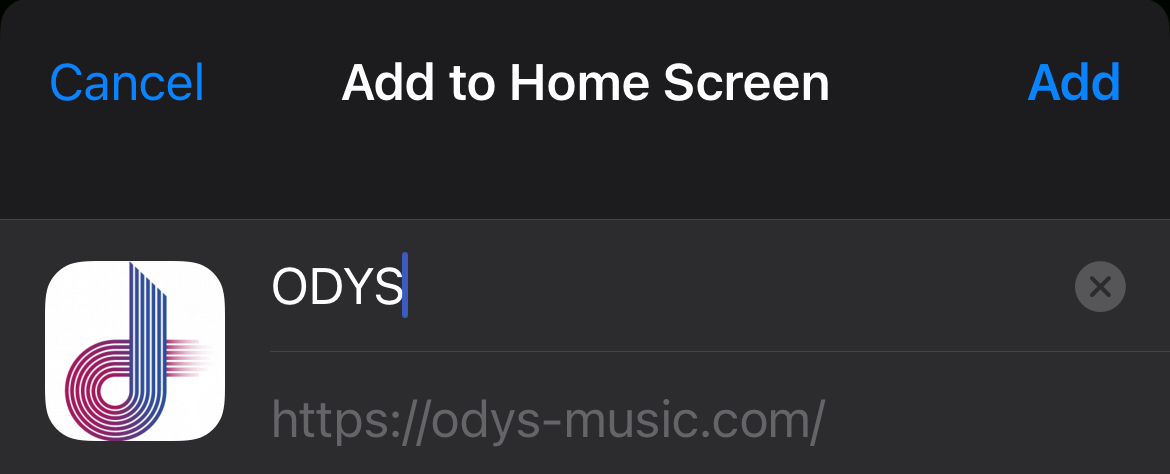
Add to Home Screen
Scroll down in the share sheet and tap "Add to Home Screen".

STEP 04
Confirm
Tap "Add" in the top right corner to finish.
STEP 01
Open Chrome
Navigate to odys-music.app in Chrome on your Android phone.
STEP 02
Open Menu
Tap the three-dot menu in the top right corner.

STEP 03
Add to Home Screen
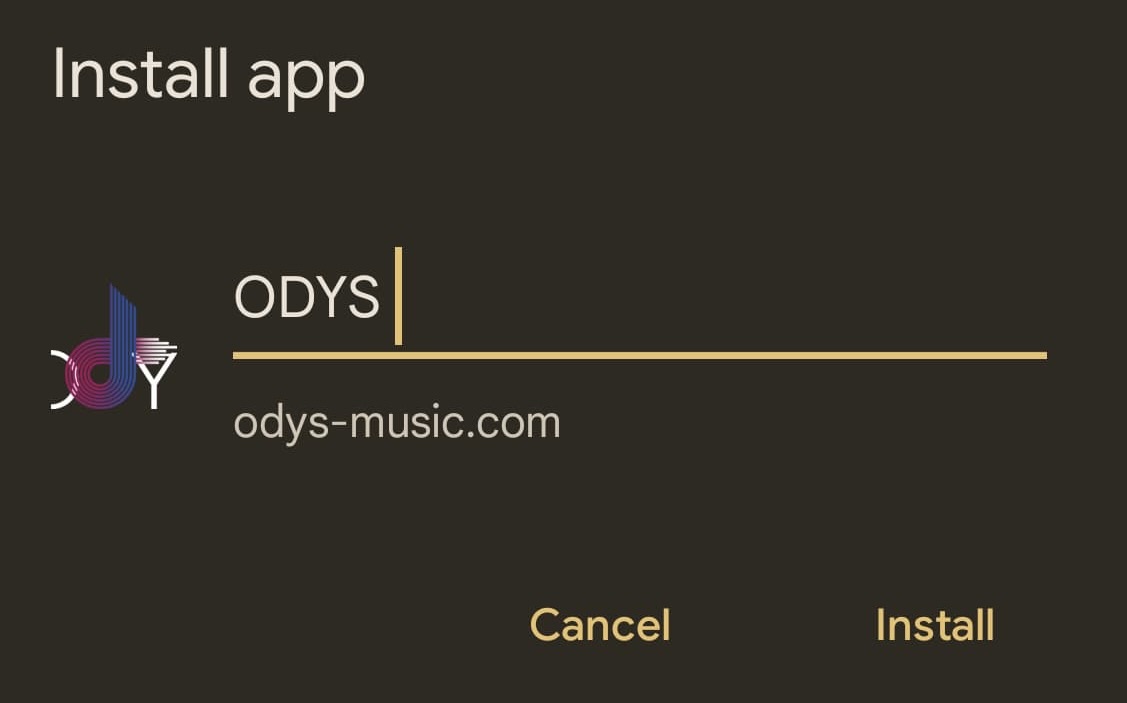
Tap "Add to Home screen" or "Install app".

STEP 04
Confirm
Tap "Add" or "Install" to confirm.