Berlin's Underground
Event Finder
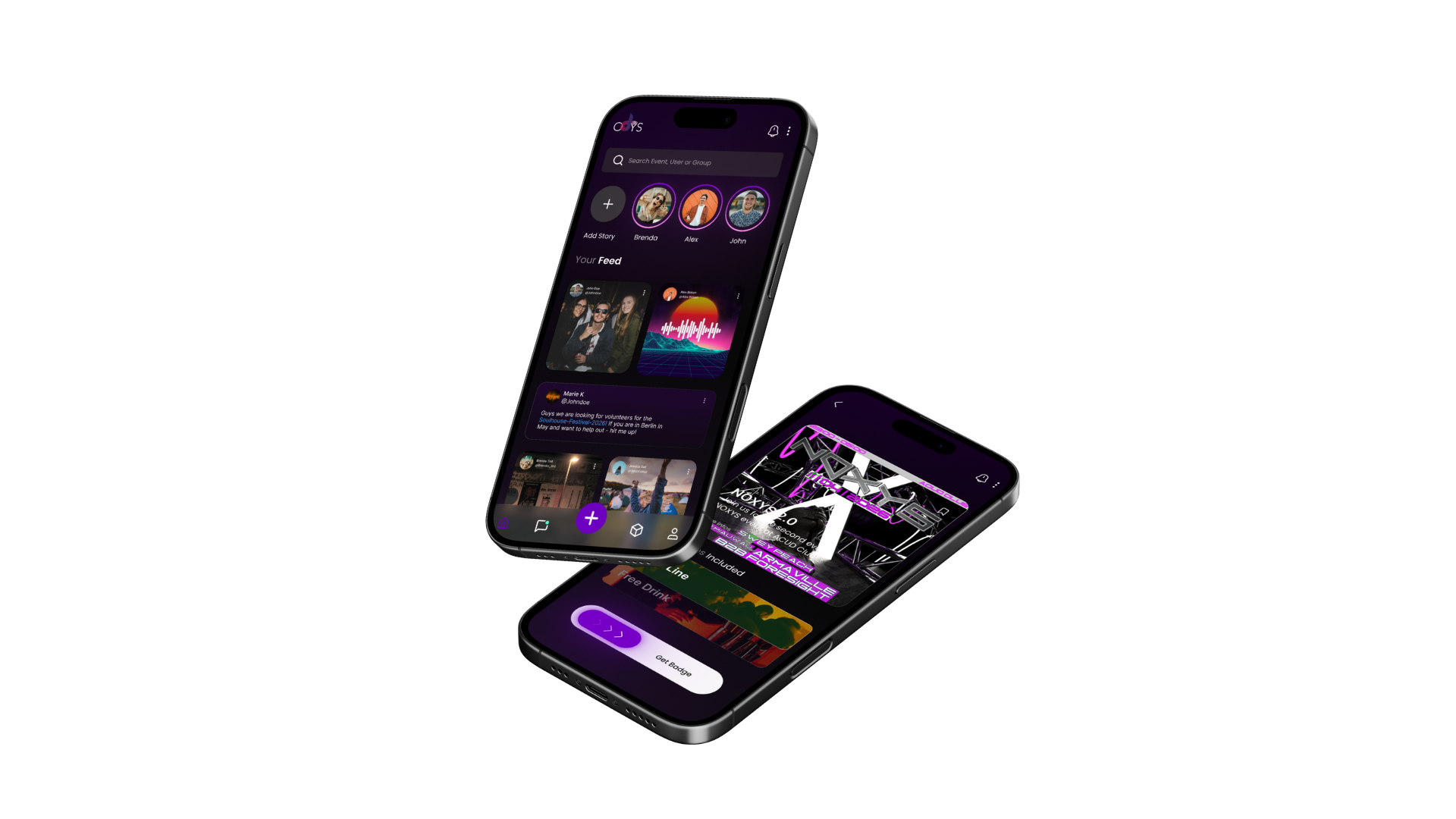
Discover events, join music communities and unlock real-world perks with digital badges.
We built it.
Now we need you.
Your scene, in real time.
Talk music with the people who actually live it - artists, DJs, fans, and everyone in between.
Your badge, your access.
Skip the queue and get closer to the artists you love - through the events, perks, and moments that matter.
No noise. Just music.
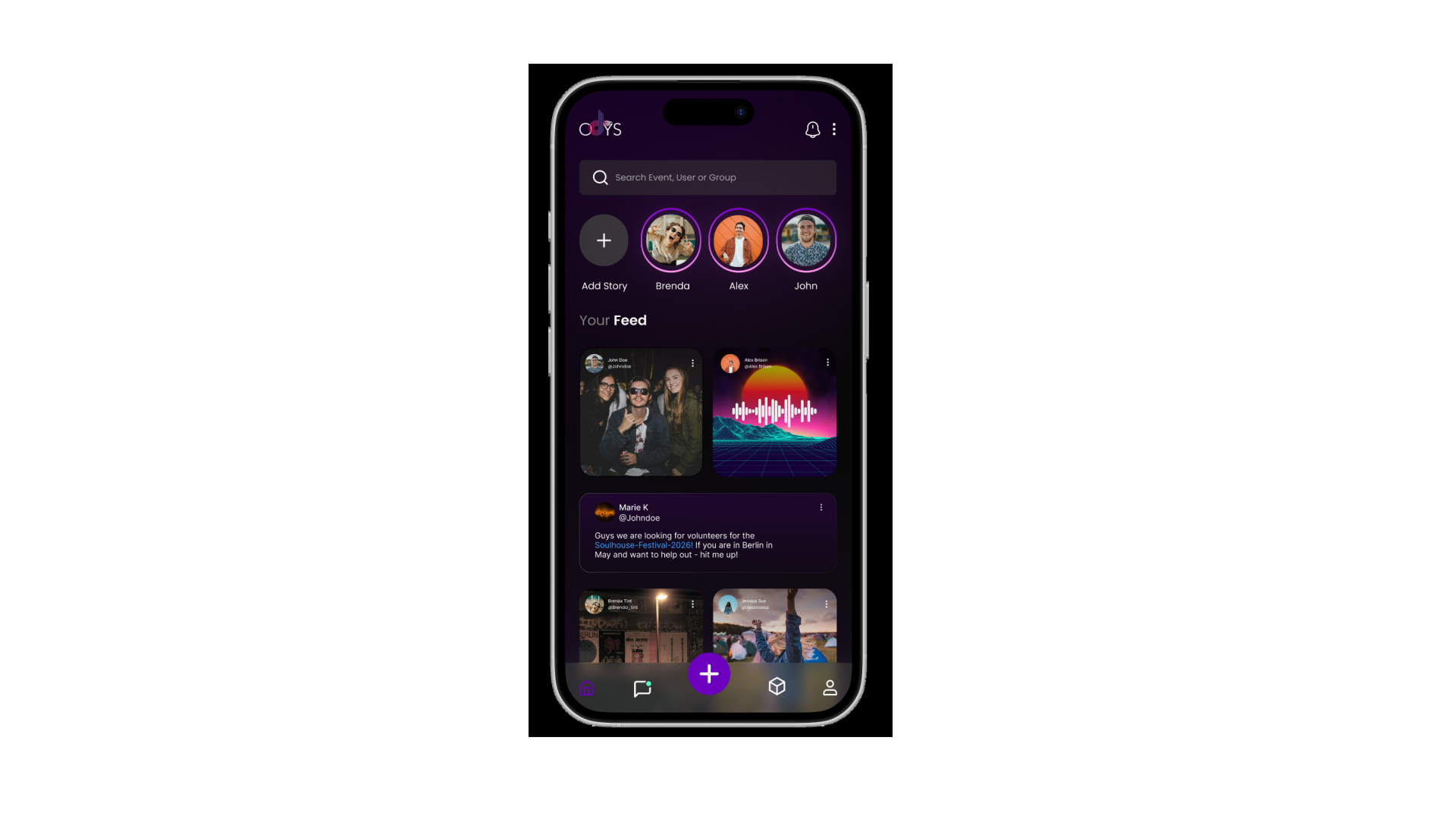
A feed built around what's actually good - not what's promoted, boosted, or paid for.
Digital Badges
We don't do tickets.
We do Badges.
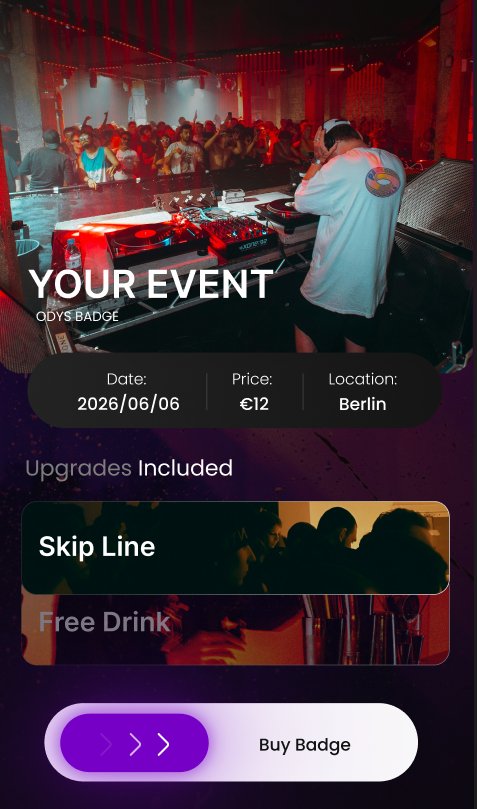
A digital pass that gives you access, perks, and ownership - all in one.
-
0% Platform Fee at Launch
Keep 100% of what you earn — we'll always tell you before that changes.
-
Queue Skip
Walk straight past the line, every single time.
-
Private Party Entry
Access events that aren't open to the public.
-
Group Chat Access
Join the conversation with people who are actually there.
-
Free Drink on Arrival
Your badge is your voucher. No paper, no printing.
-
Full Ownership
Your badge lives in your wallet. You own it, always.
-
Custom Perks
Creators set the rules. Every badge is different.
Create yours in 4 simple steps ↓
How it works
4 things a badge can do
Simple Badge Creation
Upload your cover art, give your pass a name, set access rights and an access fee - we'll handle the rest in the background.
Unique Benefits
Define the exclusive perks that come with your badge - free drinks, skip-the-line access, group chats, and more.
Create your Community Badge
Build a community around your badge. Your holders become your core fanbase, connected directly to you.
Enable Fan-backed Participation
Create your access pass in under 5 minutes and empower fans to support you directly - no middlemen.
But There is More!
Community
Join Group Chats all over Berlin
The best nights start here. Get tips, share sets, find the afterparty - from the people who actually know.






Social Feed
The "no bullshit" Social Feed
For the ones who know.
Be part of the movement
Sign up now and get early access to the ODYS Beta.
Join ODYS →Get the app
Add ODYS to your
Home Screen
ODYS runs as an app on your phone - no App Store needed.
STEP 01
Open Safari
Navigate to odys-music.app in Safari on your iPhone.
STEP 02
Tap Share
Tap the share icon at the bottom of your screen.

STEP 03
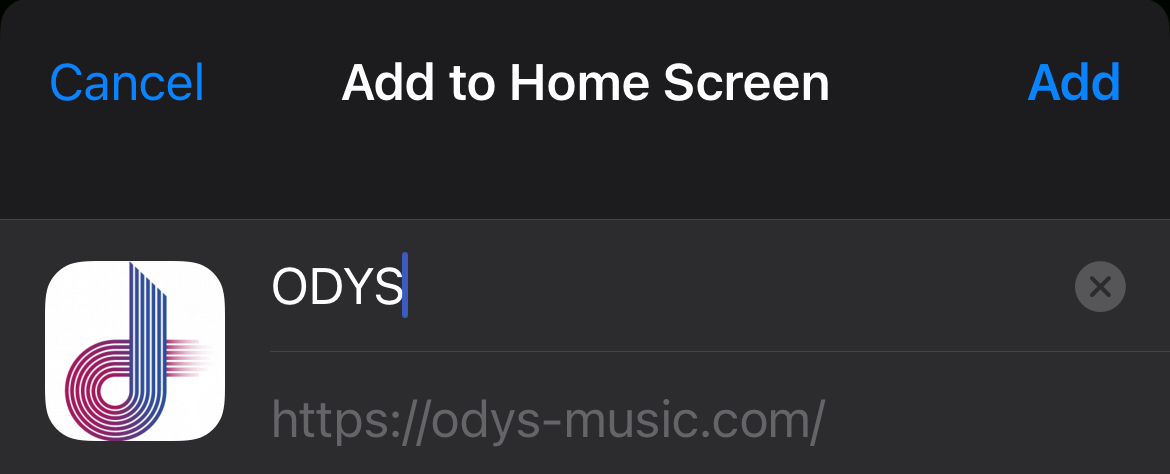
Add to Home Screen
Scroll down in the share sheet and tap "Add to Home Screen".

STEP 04
Confirm
Tap "Add" in the top right corner to finish.
STEP 01
Open Chrome
Navigate to odys-music.app in Chrome on your Android phone.
STEP 02
Open Menu
Tap the three-dot menu in the top right corner.

STEP 03
Add to Home Screen
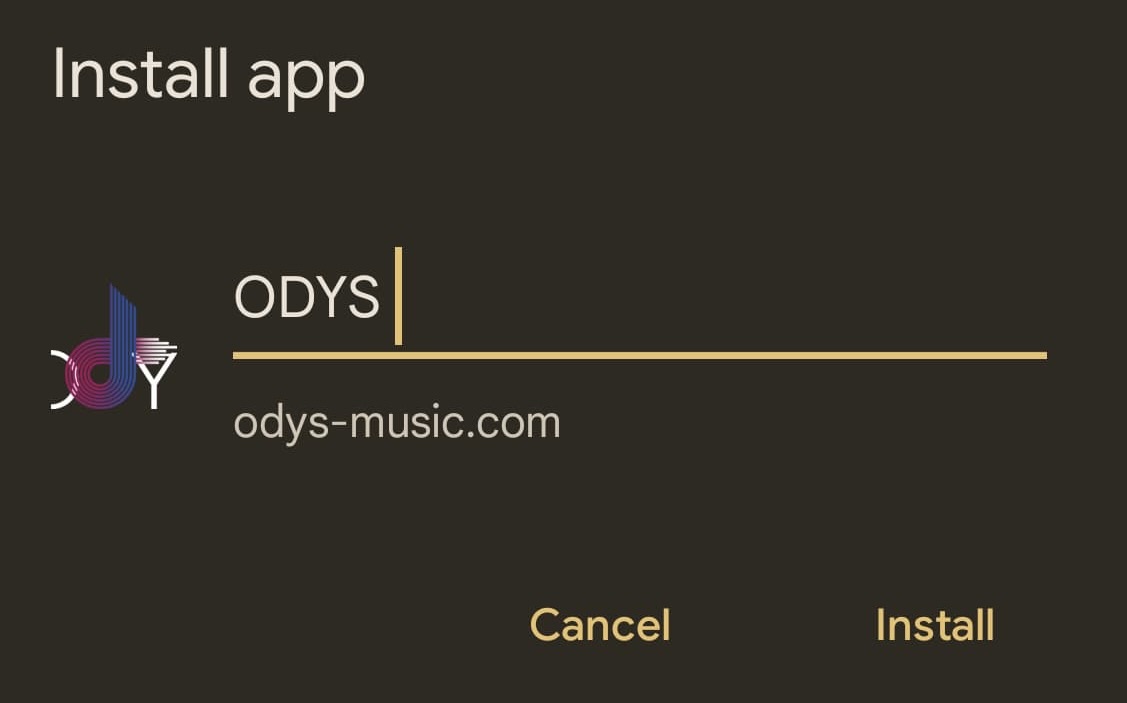
Tap "Add to Home screen" or "Install app".

STEP 04
Confirm
Tap "Add" or "Install" to confirm.
Support